
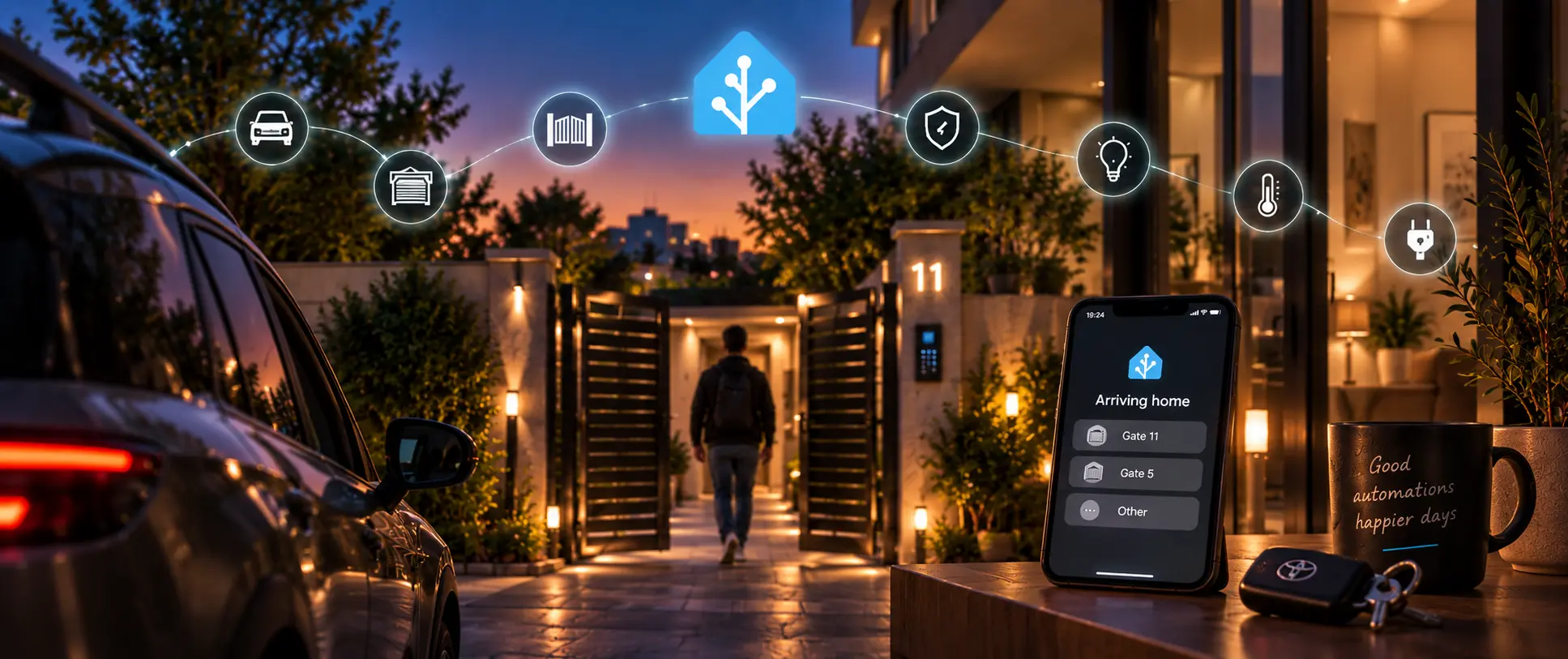
I never thought about automation as something that could be integrated to my daily routine. You see, I already work with automation everyday, as a Lead QA Engineer, my job is to stare at manual workflows across SaaS platforms and mobile apps and turn them into something that runs by itself.
But one thing is to automate software, and another completely different is to think of real-life flows.
I usually get up at night to drink some water, pitch black corridors and didn’t want to make noises searching for the switch. Now a Zigbee motion sensor tells a smart plugged lamp to turn on automatically when I go through. Or the annoyance of inputting my alarm code whenever I arrived home - the alarm now turns on or off based on my home presence, or my spouse’s. Those scenarios started as an idea and ended up part of my day, saving me time.
That is the story of how I got into Home Assistant.
I automate software for a living. But I never thought about it making my life easier.
It's a strange thing to work with something but never implement it in the real world, into a tangible or physical device. Something with a door and a motor and a delay. I just thought “what if…” I could automate my entrance to the building? Or maybe having a garage door control to open and close them in a sequence, that runs in my car screen? Check and check.
I am nearing almost 100 automations scenarios that one dashboard integrates and controls air quality sensors, temperature, shades, a myriad of devices (Samsung TV and washer, Bosch dishwasher, Ring cameras, etc). But I separated this into three pieces:
- Getting home — gates, the alarm and the car (this one)
- Inside the house — floor heating and cooling, air and appliances
- The boring ones — the automations that actually protect the place
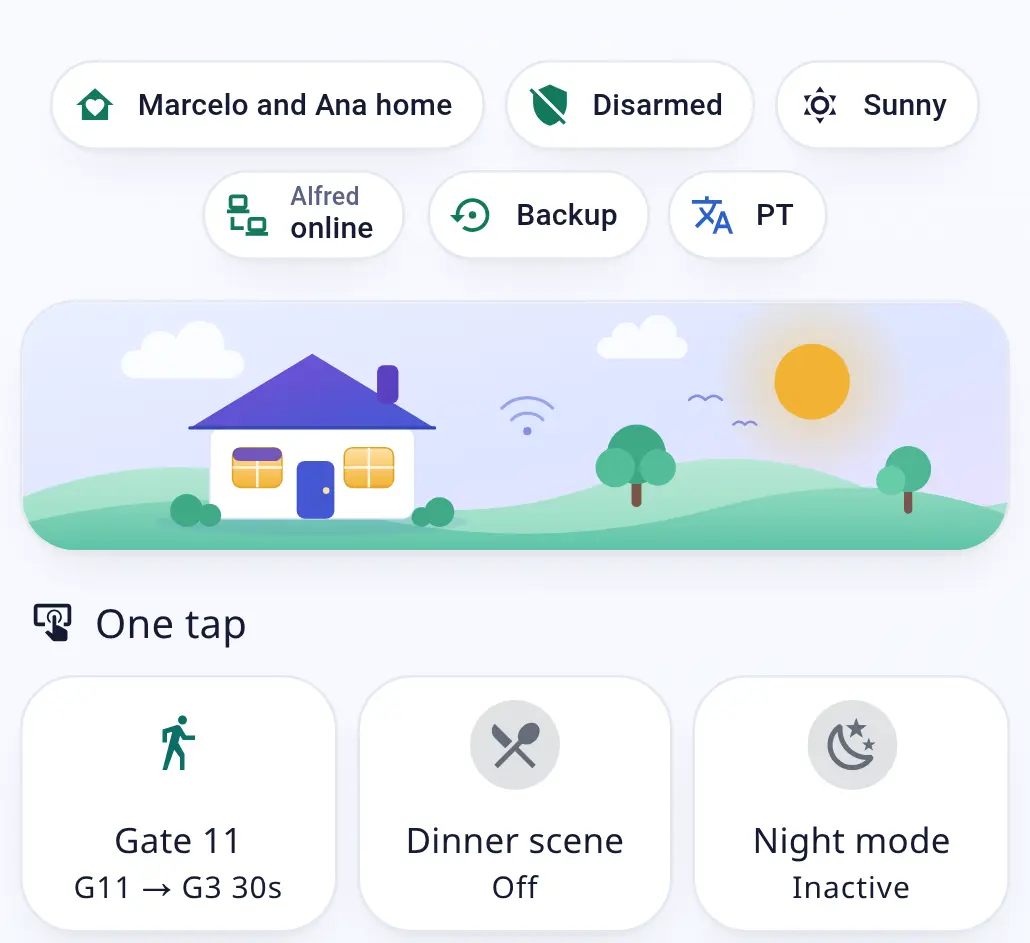
The gates: reverse engineering Alfred Smart
Every gate in my building runs on Alfred Smart, an access-control platform with its own app and no Home Assistant integration. So I looked at what the Alfred web app sends. It turned out to be a plain REST API: a login that returns a JWT, and one PATCH /devices/interact per door, with a gateway ID and a device ID.
I rebuilt both as rest_commands in Home Assistant, sending the same headers the web app does. Also, since the access token is valid for 60 days, I automated a renewal for the credentials every month or so.
Testing it was where it got interesting. Every gate goes through one script that reads the HTTP status. And how to get exact times of entrance? By doing them, over and over. I mean, I am going to be entering my house many times—why not take note and adjust the times until you get them right? I am talking about a few seconds of difference, of course.
Then came the health check. A badge at the top of the dashboard polls the API, keeping the last real value for 15 minutes before admitting the service is down. That avoids my using the scripts and not knowing that they're offline (it happened more than twice).
Walking in: a state machine tuned with a stopwatch
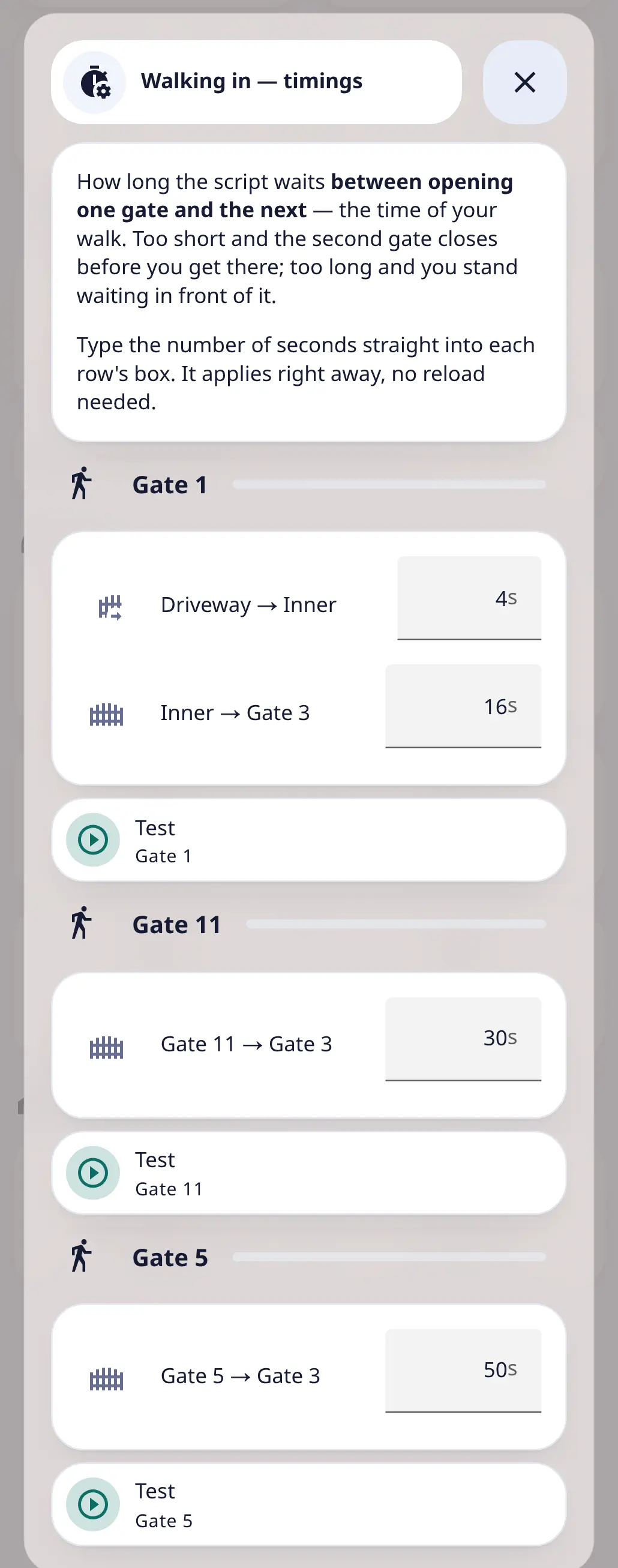
There are five gates in the complex, and arriving on foot through Gate 11 is not the same path as through Gate 5. So each entrance became a sequence: open this, wait, open that. The waits — G11 → G3 in 30 s, G5 → G3 in 50 s — come from what I said before, just entering again and again until the timing is perfect.
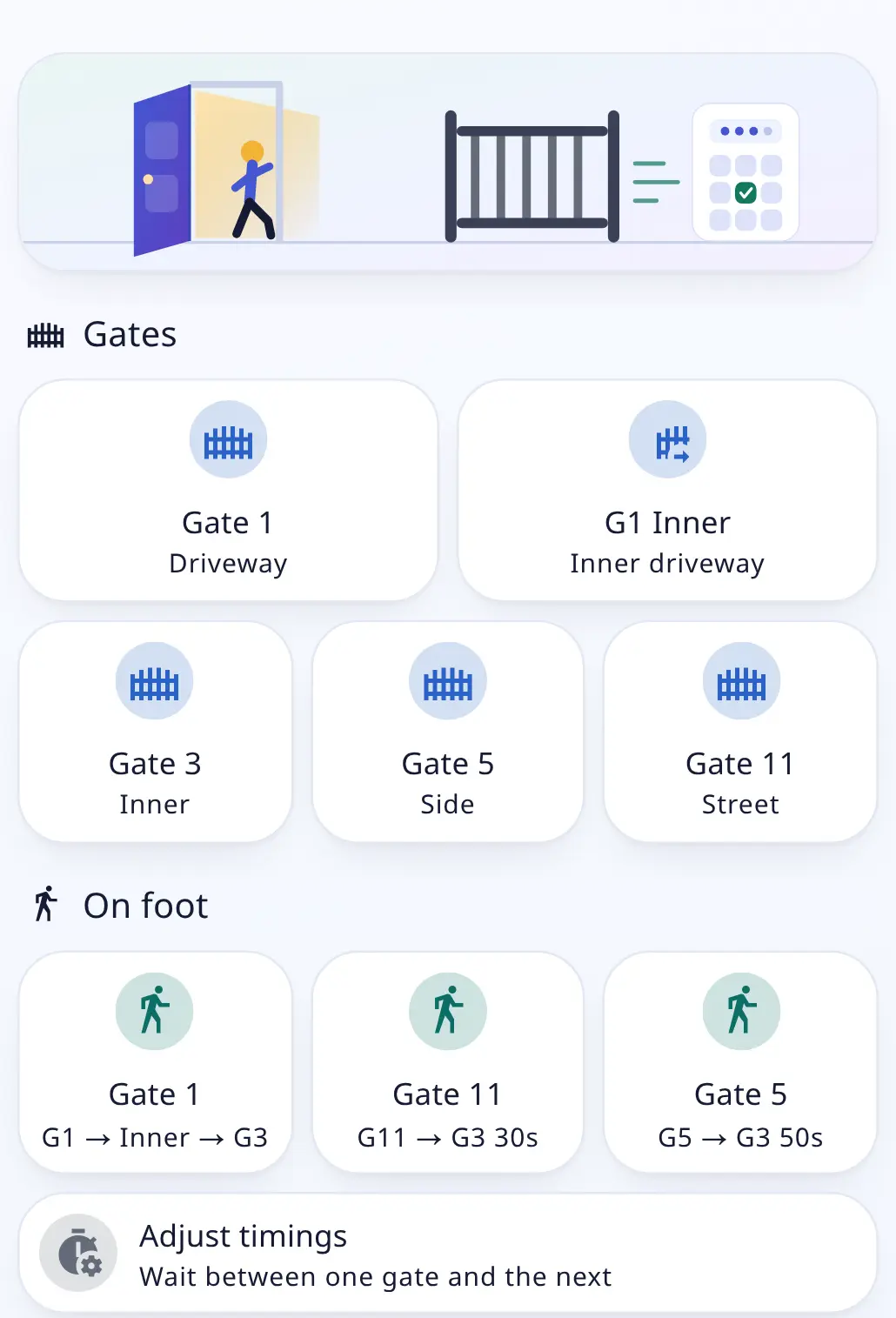
Those numbers used to be hardcoded, embedded in the YAML file, a tad more difficult to update. Now each wait is a helper, editable from an "Adjust timings" pop-up, and both the delay and the button label read from it.
The phone asks before I get there
When I'm about 200 m from home, my phone asks "Arriving home? — which way are you coming in?", with one button per gate. One tap and the sequence runs while I walk.
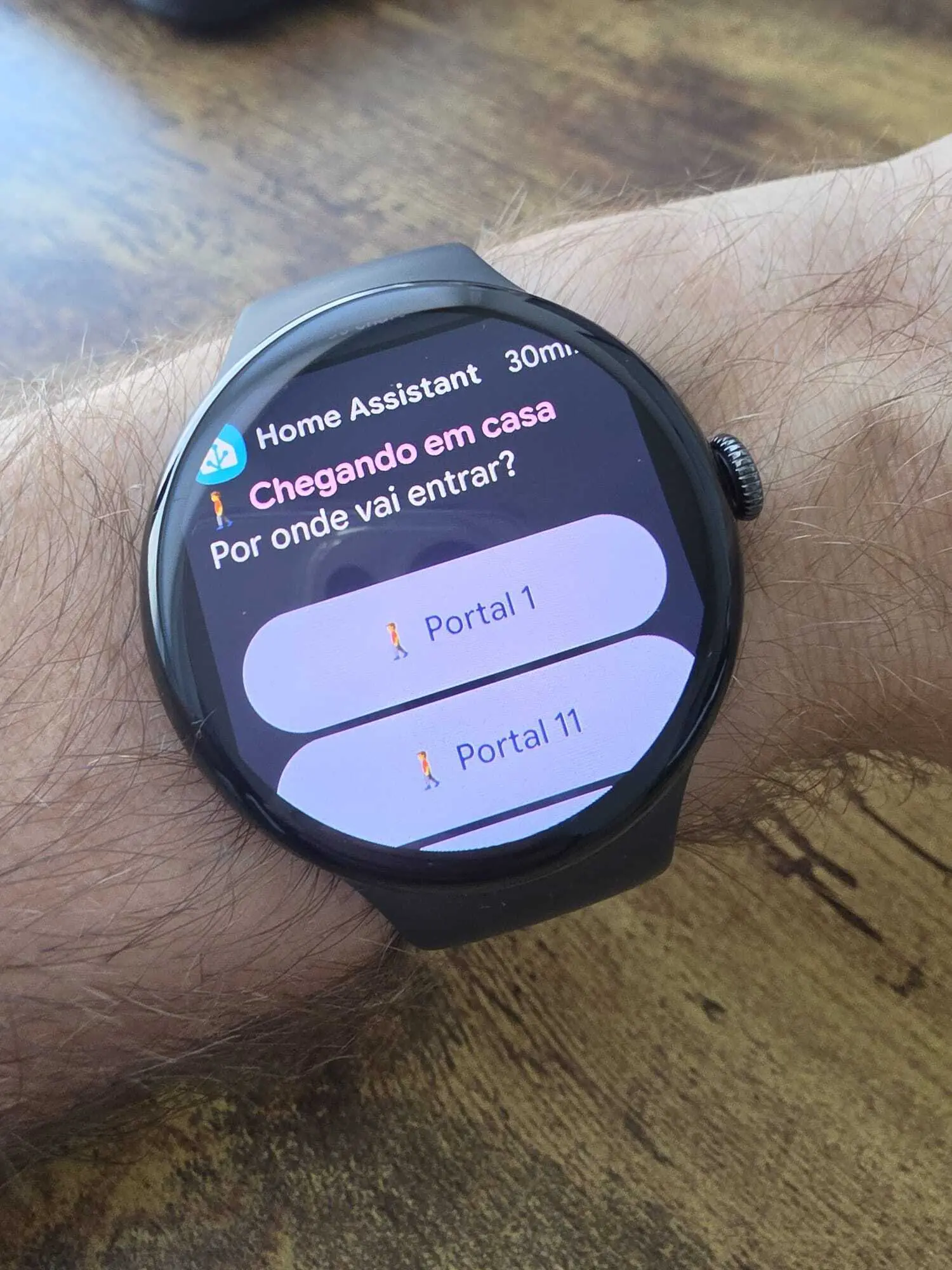
I can change my home zone radius and adapt the YAML file to when it's triggered in the street. Also, the same logic applies to arming or disarming my alarm based on when I get closer to my door, after another smaller radius that was set to my door as well.
The alarm: Verisure through the Securitas integration
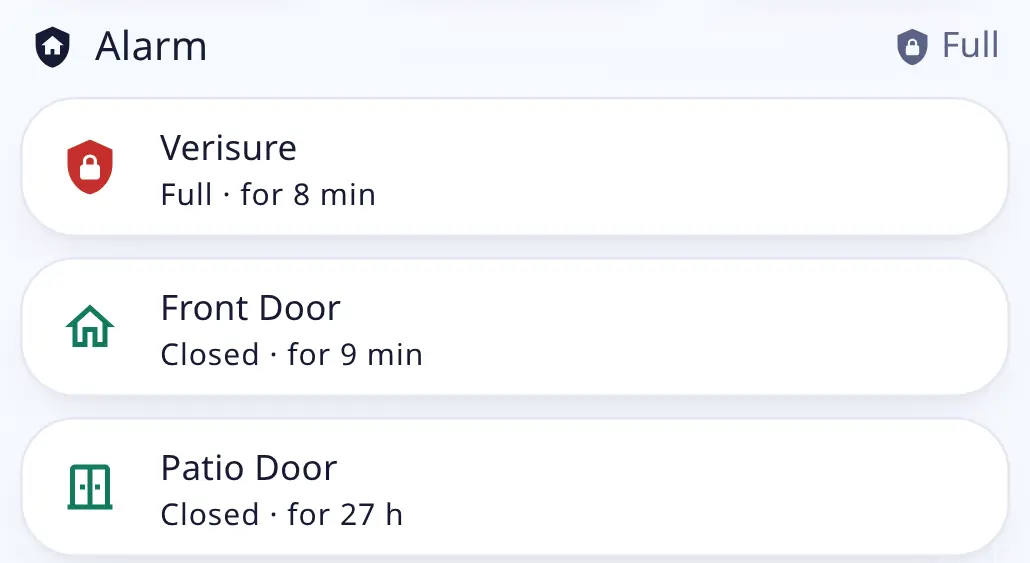
The alarm is a Verisure, connected through the Securitas custom integration from HACS. The protocol has a "partial night" mode, so Home Assistant renders three buttons: Disarmed, Partial, Full—just like the physical device. It also talks to the Ring cameras, activating the movement detector and letting me know if there's movement with the alarm on.
Now the PIN entering is gone: the alarm disarms automatically when we get home. My wife and I are not detected home after closing the door, but no alarm was set? Home Assistant takes care of that. I can enable—with one tap—arming or disarming by day or at night, and also at certain time slots during the week. I remember the nightmare it was to set that up with the official alarm app. Good riddance.
The car: the Toyota integration, and a lock it didn't have
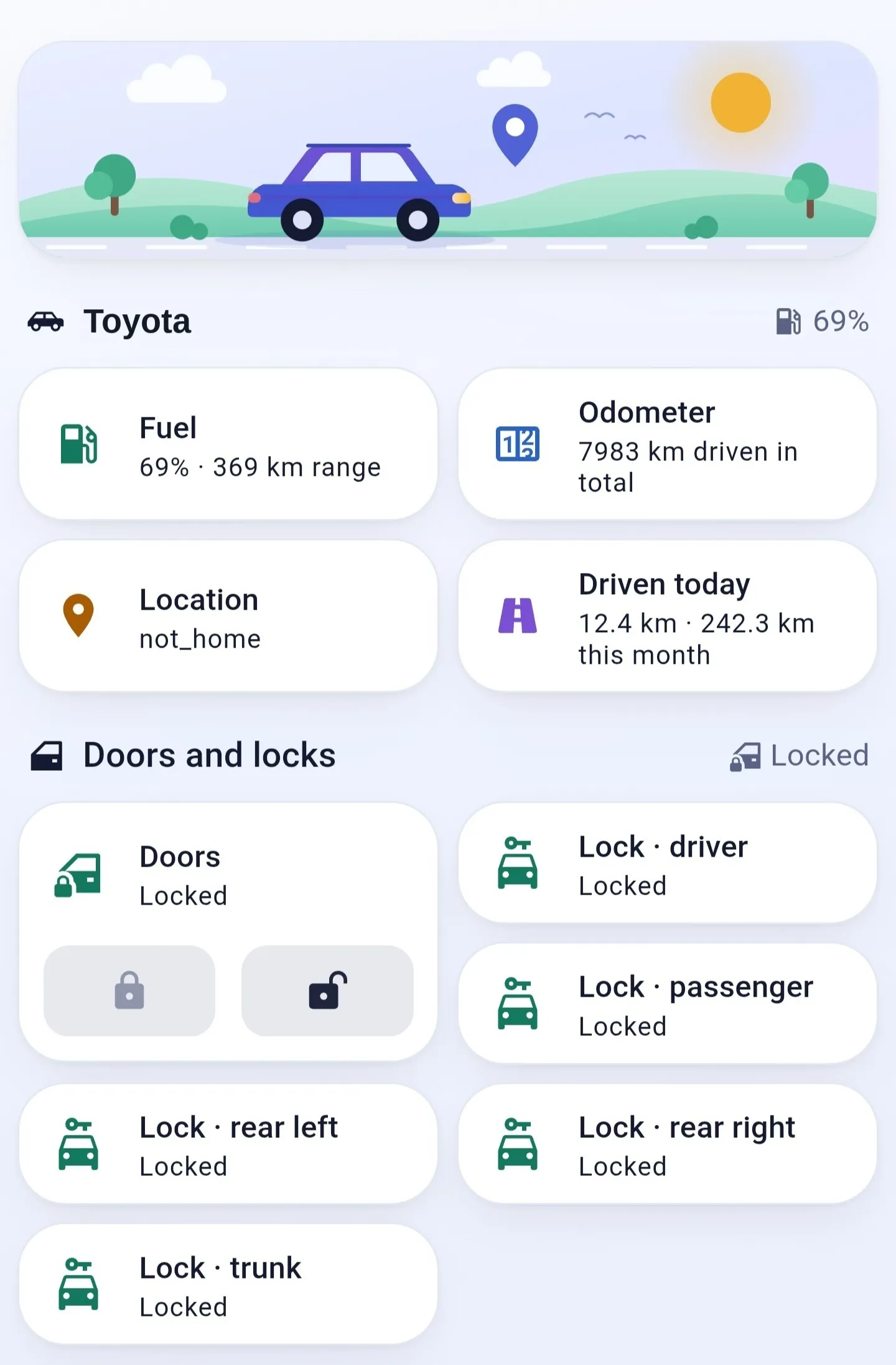
The Toyota integration from HACS gave me fuel, odometer, doors and windows, but no lock. The library underneath can send remote commands, so I wrote a lock.py for it. It is a feature that I hope gets merged eventually.
That made the car automations possible: unlocked for 3 minutes → a notification, still unlocked at 6 → lock it. This has saved us many times already, whenever one of us forgets to properly lock the car when we have our hands full.
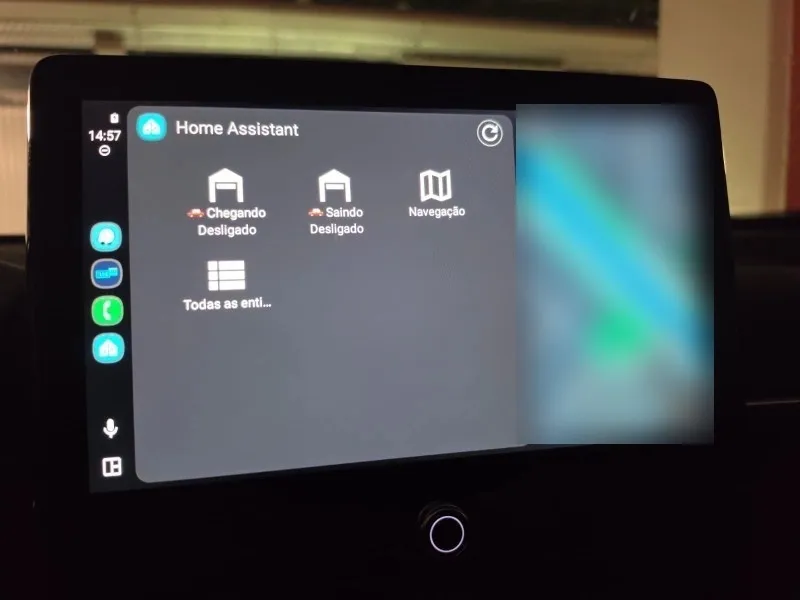
I also added two scripts as my car panel buttons: "Arriving" and "Going out". They work with the Alfred Smart building integration that I mentioned and open each of the two garage doors in sequence through a REST command, with a timed wait between them. Compatible with Apple CarPlay and Android Auto, of course.
Next: inside the house — where the wall thermostats and Home Assistant have been at war for months, and a CO₂ chart ended up telling me to change a filter.
Running Home Assistant Green, YAML-first, with a dashboard built on Bubble Card and Mushroom. Happy to go deeper on any of these in the Dev.to comments.