
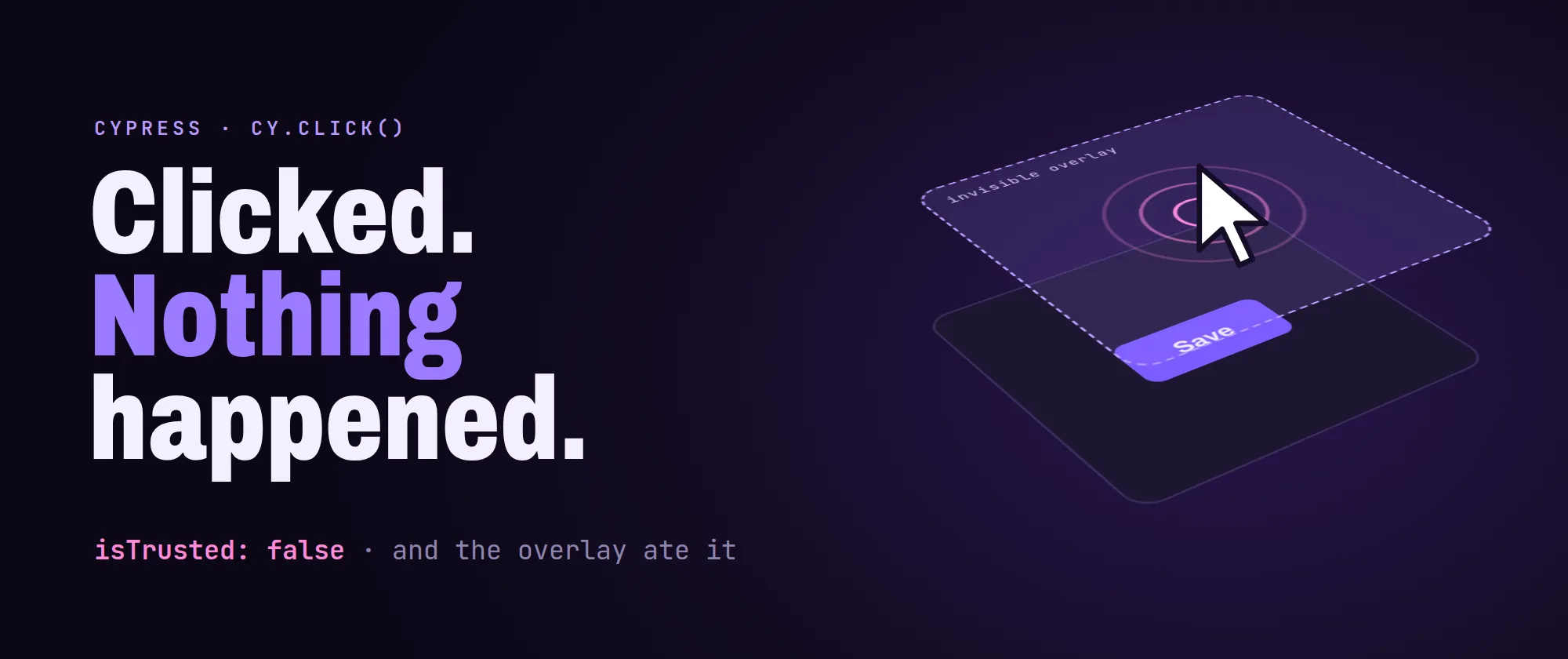
Have you ever watched cy.click() tick green in the command log (element found, visible, not covered, event dispatched, Cypress completely satisfied) while the app on screen did absolutely nothing? We all have!
This one is nastier than a bad selector, because the log stays green right up to the assertion. So you start doubting the assertion, then the timing, then the test data, then the framework, in roughly that order. The click comes last. It should come first.
I keep meeting four causes for this, plus a short fifth. So let's put the click on trial, one cause at a time, with what actually works for each.
The component only listens to humans
1. The component checks event.isTrusted
Cypress's default click is a synthetic event, dispatched from JavaScript. And browsers can tell: synthetic → isTrusted: false, real user input → true. Any component that guards on it will ignore you, politely and silently:
function onBackdropClick(e) {
  if (!e.isTrusted) return
  close()
}
Where does a guard like that come from? Components that had to defend against event feedback loops, libraries hardening against scripted input, and (my personal favorite) code where somebody added it to fix a bug and never documented why. You can't argue with it from inside the page. Synthetic is synthetic.
So stop dispatching events and start driving the browser. cypress-real-events issues input through the Chrome DevTools Protocol, so the browser generates the event itself and it is trusted:
cy.get('[data-cy="save"]').realClick()Same goes for realHover, realType and realPress. Now, tempting as it is, don't sprinkle it everywhere by reflex. My rule: default to .click(), and reach for .realClick() the moment a click is a confirmed no-op, on that element only. The catch: it skips Cypress's actionability checks, and it only works in Chromium-based browsers.
The cell that lit up and lied
2. The target is a canvas that does its own hit-testing
Spreadsheet-like grids, charting libraries, WebGL and canvas editors have no DOM elements for their cells. They have one <canvas> and an internal coordinate-to-cell map. There is nothing to select, and trigger('mousedown') on the canvas element goes nowhere useful: these components hit-test from the event's coordinates, and they often depend on the full, trusted pointer sequence rather than a single event you can forge.
The symptom is oddly specific. The interaction looks like it worked (a cell highlights), and then the thing you needed just doesn't happen. In a spreadsheet component I fought, it went like this:
Click a cell → it's visually selected → the formula bar never receives a target cell → every later step operates on nothing → no error at all.
Looks selected. Isn't.
Two things get you out of it:
Click by coordinate, for real. Compute the position relative to the canvas's top-left corner, which is what realClick's x and y options expect, and issue a CDP click there:
function realClickCell(row: number, col: number) {
  cy.get('canvas.grid-canvas').realClick({
    x: HEADER_W + col * CELL_W + CELL_W / 2,
    y: HEADER_H + row * CELL_H + CELL_H / 2,
  })
}
Then verify the internal state, not the pixels. The whole problem was that the visual feedback lied. If the component exposes an api object, assert on it ("the active cell is B4") and you catch the silent no-op at the point it happens, instead of three steps later.
And while you're in there, beware hardcoded offsets. Any helper with a magic +3 columns or +2 rows baked in to account for frozen panes will be quietly wrong the moment it runs somewhere without those panes: a dialog, a preview, a drill-down view. If you must have the offset, make it a named parameter with a default, not a literal in the middle of the arithmetic.
Wrong address, no exit 🚪
3. The overlay is portalled somewhere else in the DOM
Dropdowns, date pickers, multi-selects and tooltips are usually rendered into a container at the end of <body>, not inside the component that opened them. So this:
cy.get('[data-cy="region-select"]').click().find('.option').contains('EMEA').click()fails, because the options are not descendants of the select. Scope to the overlay container instead:
cy.get('[data-cy="region-select"]').click()
cy.get('.cdk-overlay-container').contains('.option', 'EMEA').click()
Then there's closing them. I hit a multi-select overlay that could not be closed by any legitimate means:
- clicking the backdrop → ignored (an
isTrustedguard, hello again) {esc}→ propagated past the overlay and closed the parent dialog insteadrealClickon the backdrop → landed on a transparent region that ate the event
The selection had already been committed on change, so the state I actually cared about was correct before closing. The pragmatic answer was to remove the overlay and its backdrop from the DOM. A parent dialog built on the CDK has its own pane and backdrop in the same container, so take the last of each. They belong to the overlay opened most recently:
cy.get('.cdk-overlay-pane').last().invoke('remove')
cy.get('.cdk-overlay-backdrop').last().invoke('remove')
Is it a hack? Yes. So I want to be careful how I recommend it, because it's a real trade-off: you are no longer testing that the overlay closes. Take it only when the behaviour under test is already verified and the overlay is in the way of the next step, and leave a note in the spec saying which behaviour you gave up. The alternative, deleting the test or leaving it permanently red, verifies strictly less. And file the bug: a panel a real user can close and an automated tool cannot is usually one isTrusted guard away from also being an accessibility problem.
The item that isn't there yet
4. The list is windowed, so the item is not there
Long member lists, combo boxes over thousands of entries, virtualized pickers: only the visible window exists in the DOM, exactly as in a virtualized data grid. Two habits break immediately:
Clicking by position → .eq(12) addresses the thirteenth rendered item, which is not the thirteenth item. As soon as the list scrolls, or the row height differs, you are clicking something else. And item height genuinely varies between environments with different density settings or fonts.
Clicking .active → the highlighted item is whatever the component's keyboard cursor last touched. It is not your item.
So filter first, then select by content:
function selectMember(filter: string, match: string | RegExp = filter) {
  cy.get('[data-cy="member-filter"]').clear().type(filter)
  cy.get('.member-list').contains('.member-item', match).click()
}
Typing into the filter is what makes the item exist. Then match on text, and use a regex when you need an exact match against names where one is a substring of another. V3 and V3.1 in the same list will bite you, because contains takes the first match, which may not be the one you wanted.
Two more, quickly. If you must scroll rather than filter, use the component's own "scroll into view" api, not pixel offsets. And when the list has duplicate labels, stop trying to identify rows by label alone: key off a pair, like label plus a badge or a type chip, and assert on the pair.
Bonus: the button that changes its mind
5. The trigger button changed after the first open (a short one)
Subtle, but it can hurt. Some toolbars mutate their own affordance once a panel is open: the "more actions" button becomes a "delete" button, or a floating action button swaps its icon and handler.
So a helper that "opens the panel" works the first time. Second call → it clicks a completely different action. If you're lucky, it fails. If you're not, it deletes something.
Open once and keep it open across the steps that need it. If a flow genuinely needs a second open, write a separate helper for it that targets the mutated control by name. Don't make one helper "smart" enough to handle both, or you've hidden the trap instead of removing it.
Basically, with these in place a green click means the click actually landed. And when it didn't, the spec goes red on that exact step, not three steps later on an assertion that was never the problem.
Happy testing!